

Meet Your VUNRO Tools: Choose the Right Grooming Setup
Tap play or pause.
Lesson 2 of 12 · Grooming for pet parents
A useful grooming kit is a set of tools with distinct jobs. Before switching anything on, learn which device you have, what fits it, and what you intend to do. Similar-looking blades and matching numbers do not make parts interchangeable.
Three devices, three decisions
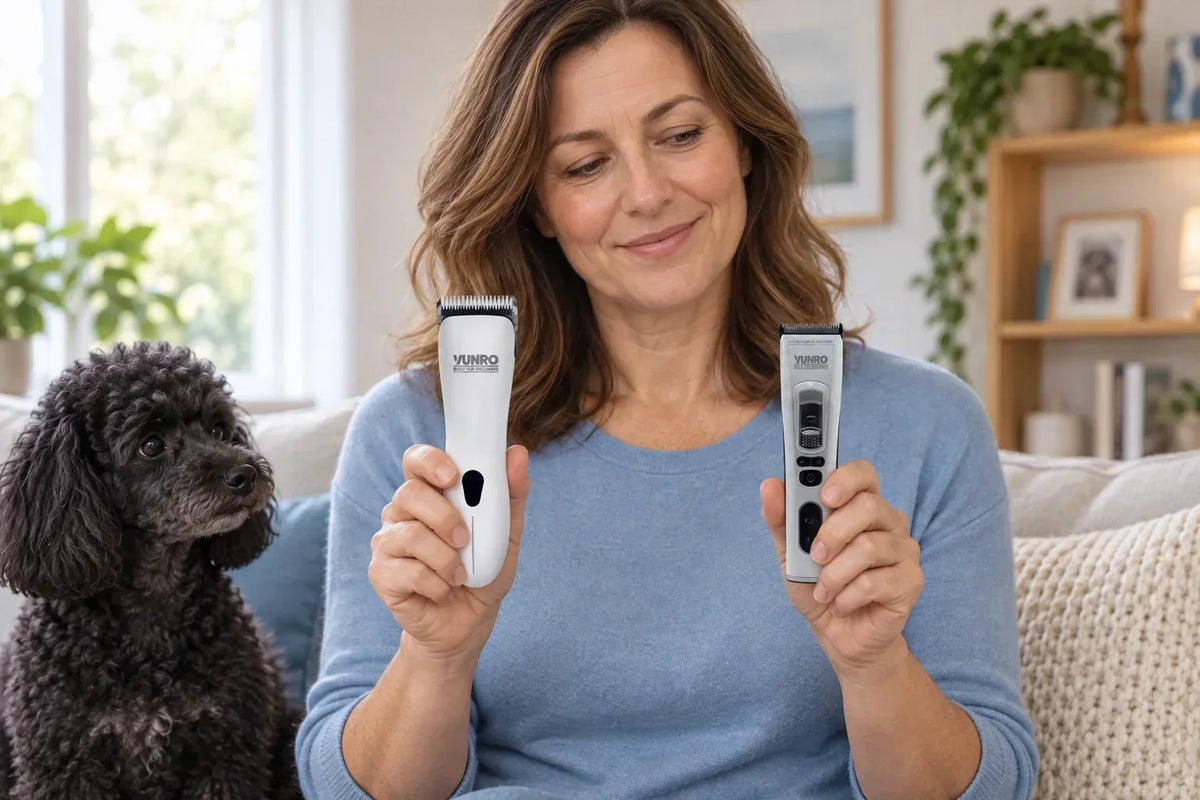
The VUNRO D-Series clipper is one body-haircut route for suitable, prepared coats. It takes D-Series blades. Its included #10 blade cuts close when used alone; in this course's longer curly-coat example, it carries the compatible 13 mm Universal guard comb. Buying a clipper does not mean the included bare blade is the right body length for your dog.
The VUNRO PRO trimmer offers a separate haircut route with FlexFit PRO blades. Our fixed-length example is the 3F FlexFit PRO blade, 12.5 mm. The PRO guard-comb route uses a compatible FlexFit PRO 4-in-1 head instead. You choose a configuration; you do not stack parts simply because they belong to the same range.
The PawTrim Pro has a narrower detail job and its own attachments. It is not the third step of every body haircut. Its compact head and LED light make it easier to see what you are doing around the paw; work on what you can see, and leave hidden skin and the deep spaces between the pads alone.
Match the parts before the dog arrives
| Tool or attachment | Where it belongs | Important limit |
|---|---|---|
| D-Series blade | D-Series clipper | An A5 blade is not a substitute |
| Eight-piece Universal guard set | Compatible A5 and D-Series blade setups | Confirm the base blade and secure fit |
| Fixed FlexFit PRO F blade | VUNRO PRO trimmer | Do not fit the PRO guard set over it |
| Six-piece PRO guard set | Compatible FlexFit PRO 4-in-1 head on the PRO | Follow the head-setting instructions |
| PawTrim blade and guards | PawTrim Pro | Keep them with that device |
The Universal guard set serves compatible A5 and D-Series setups. The PRO guard set is a different system. Read the label on the actual attachment rather than using colour, packaging shape or memory to identify it.
With the device off, follow its instructions to fit the selected part, then check it is secure before use. Put incompatible and unused parts away. If the fit is uncertain, stop and ask VUNRO through the contact page; include the device name and a clear photograph of the parts.
Add preparation tools, not clutter
You need a brush appropriate to the coat and a comb that lets you check beneath the surface. A coarse-and-fine straight comb is useful for suitable growing coats, but it must glide without dragging skin. Towels, a nonslip mat and labelled dog shampoo belong in the preparation plan too. Nail tools and scissors come later, when their particular job is clear.
Introduce appearance, sound and touch separately
Let your dog see a switched-off tool at a distance they find comfortable, reward an easy moment, then put it away. Introduce a brief sound farther away on another repetition. Do not bring a running device straight to the dog because seeing it went well. Touch and actual use are later steps, and progress can take multiple sessions.
Follow the instructions for charging, cleaning and operation. Quiet equipment still needs a careful introduction; no tool guarantees a relaxed dog. Your checkpoint is being able to name the device, its fitted attachment and its job without guessing, while your dog can remain comfortable around the setup.
Evidence and further reading
Compatibility above follows the linked VUNRO product specifications. Check the instructions supplied with your particular device before fitting or operating it.
Keep learning
More from the Blade Blog

Start Grooming at Home: Your Dog Comes First
Read the guide →
Brush Gently, Then Check with a Comb
Read the guide →


